A little nudge. A little less to remember.
Give your routine a place in your day. Keep the schedule you entered visible, use reminders, and log completed doses so the plan and the history stay connected.
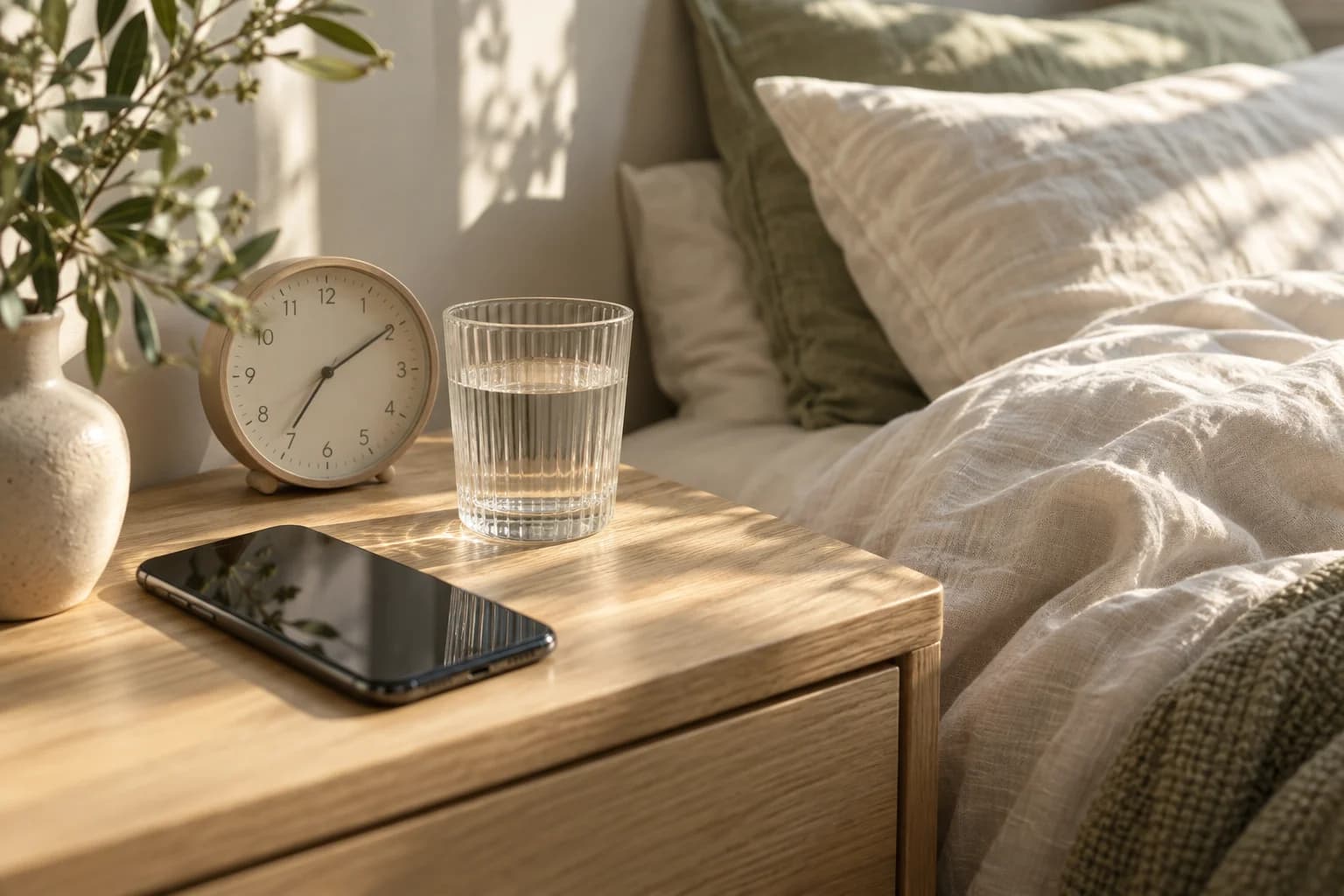
Reminders with somewhere to go next.
A reminder alone is only half the picture. Open your schedule, check the details, and record a completed dose in the same app instead of switching between a calendar and a note.
See what is planned
Keep each compound’s timing and amount in your schedule. Review it whenever your clinician changes your instructions.
Build a clear history
Log a completed dose so you can tell it apart from an upcoming one. Keep time and site in the same record.
Keep a backup plan
Device settings can affect notifications. Check permissions and keep your care team’s missed-dose instructions available separately.
Build a reminder you can act on.
A useful reminder begins with a correct schedule. Check the compound, amount, frequency, and start date before focusing on the notification itself. A perfectly timed alert is not helpful if it points to an old version of your plan.
Then review your phone’s notification permissions and any Focus or Do Not Disturb settings. Keep a separate copy of your prescription instructions available. Opening or dismissing an alert should not be your only way of remembering whether a dose was completed; use the log for that.
Explore PeptidePal →Your reminder setup check
Notifications are a convenience, not guaranteed medical monitoring. Keep a backup plan agreed with your clinician.
Check that the underlying schedule matches your current instructions.
Review app notification permissions and phone focus settings.
Keep the plan for a missed dose from your care team available separately.
A little more
clarity.
Can I rely on the app as an emergency alert system?
No. PeptidePal is not medical monitoring, and notification delivery is not guaranteed. Use the care and backup plans agreed with your clinician.
What should I do if I miss a dose?
Follow the instructions for your exact prescription or contact your pharmacist or prescriber. Do not infer a catch-up dose from an app reminder.
Can I schedule more than one compound?
Yes. Each compound can have its own timing while appearing in a combined daily view.

A calmer routine
starts here.
Available on iPhone and Android.